



Leprezone Casino App
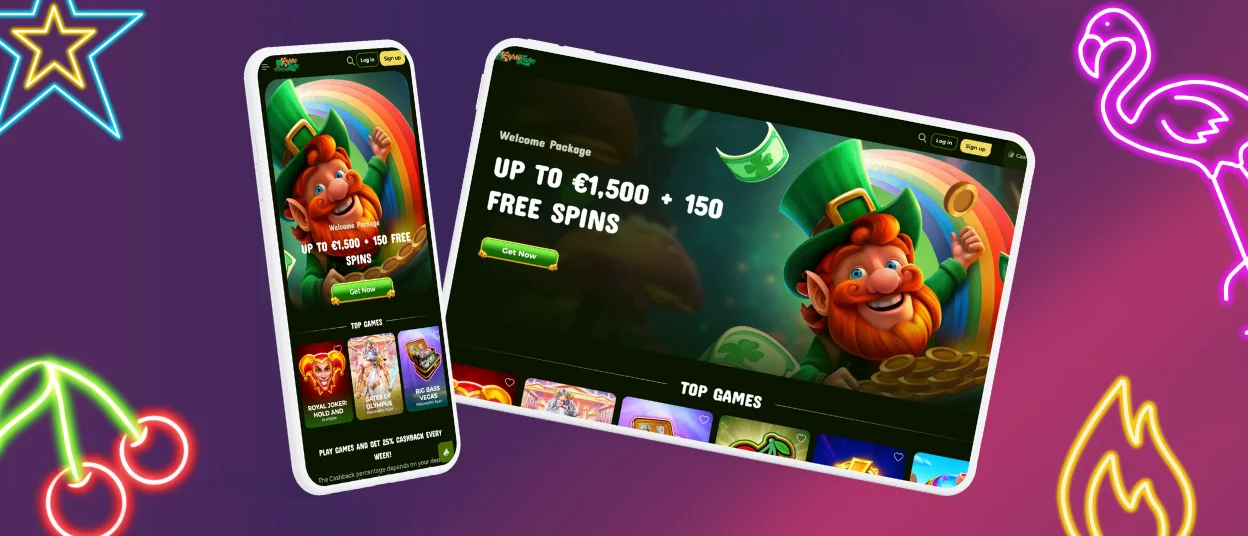
The Leprezone Casino App is our mobile-ready way to use Leprezone Casino on any screen. It runs in your browser and adapts to different display sizes.
We designed this experience to feel smooth on mobile devices, with clear menus and touch-friendly buttons. You can log in with your existing account, and your profile stays the same across devices.
If you switch between mobile and desktop, the layout stays consistent and easy to use, so you can focus on playing without extra steps.



Key Features of the Leprezone Casino App
The Leprezone Casino App experience is built for fast, comfortable use on smaller screens. We focus on clear navigation and a layout that stays easy to read and tap.
Here are the key features you can expect:
- Mobile-friendly layout: buttons, menus, and page blocks scale to your screen so you can move around without extra friction.
- Simple account access: you can sign up or log in in a few steps, then manage your profile from the same interface.
- Clear site structure: important pages and rules are easy to find, which helps you understand how the platform works.
- Quick access to essential sections: the lobby and account area are placed so you can reach them without digging through multiple layers.
We also keep key information visible on mobile, not only on desktop.
How to Use the Leprezone Casino App
You can use the Leprezone Casino App experience in a few quick steps. The goal is to help you get into your account fast and navigate comfortably on a smaller screen.
Here is the simple flow we follow:
- Open Leprezone Casino in your mobile browser. The layout adjusts automatically, so you can use the menu and key buttons without constant zooming.
- Log in or create an account. If you are new, complete registration and confirm your details.
- Set up your play the way you want. We recommend choosing limits early, so your session stays controlled from the start.
- Make a Deposit when you are ready. Deposit options appear inside your account, and the minimum amount depends on the method you pick.
- Choose your game and begin. Use the lobby filters to find what you want faster, especially on mobile.
If you ever need to change a basic setting, start with your account area. It is the easiest place to check your profile details and manage your session on any device.
Leprezone Casino App for Your Android Device
You can use the Leprezone Casino App on Android through your mobile browser. It is built to feel comfortable on touch screens, even on smaller displays.
To keep the experience smooth on Android:
- Use an up-to-date browser. Newer versions usually load pages faster and handle modern site elements better.
- Allow cookies. This helps the site remember your session and basic preferences.
- If something freezes or loads slowly, refresh the page first. If it keeps happening, clear your browser cache and try again.
- Add a shortcut icon to your home screen if you want faster access without searching for the site each time.
Android phones and tablets both work well. You can also switch between portrait and landscape view if that feels easier for your screen.
Leprezone Casino App for Your iOS Device
On iPhone and iPad, you can save Leprezone Casino to your Home Screen so it opens in one tap like an app. This gives you a quick shortcut without changing how you normally use your account.
To add the Leprezone icon on iOS:
- Open Safari and go to Leprezone Casino.
- Tap the Share icon (the square with an arrow).
- Scroll and tap Add to Home Screen.
- Edit the shortcut name if you want, then tap Add.
After that, you will see the Leprezone icon on your Home Screen. Tap it anytime to launch the casino in a clean, app-style window. If you are logged out, just sign in again and continue as usual.
Leprezone Casino App on Windows and macOS
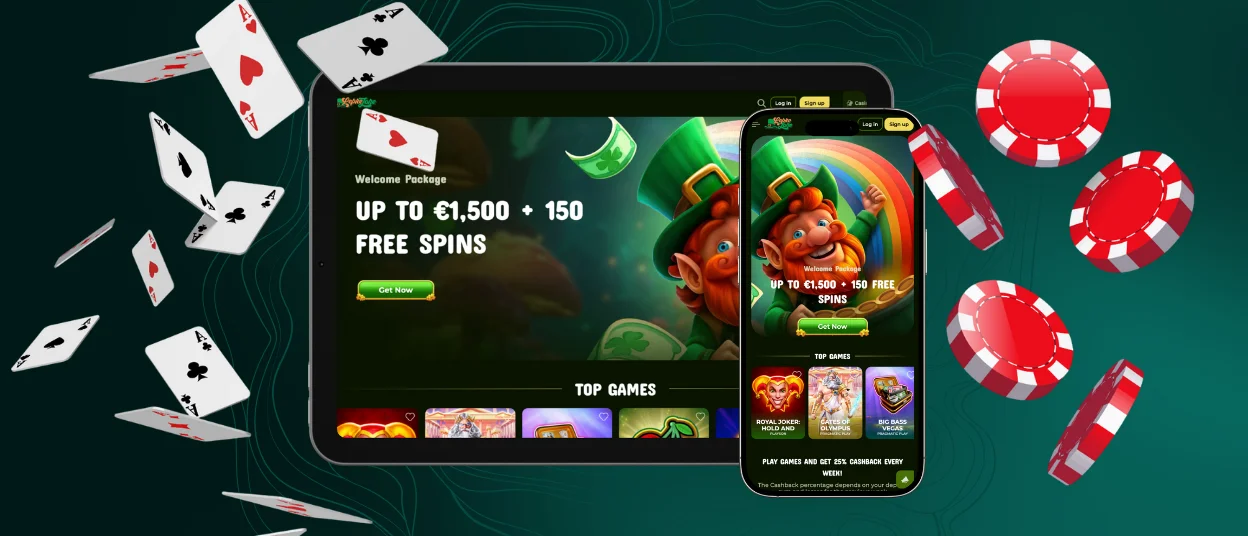
You can use the Leprezone Casino App on Windows and macOS in a standard web browser. The interface scales to larger screens, so navigation stays clear and comfortable.
Desktop play can feel easier when you want more space for browsing the lobby, checking your account, or keeping a few pages open at the same time. If a page ever loads incorrectly, a simple refresh usually fixes it.

Security and Account Protection in the Leprezone Casino App
Security is built into the Leprezone Casino App experience through our website systems. For transaction protection, we use SSL encryption.
We also treat customer data as confidential and do not sell it to third parties. With mobile play, good security is also about simple habits. Keep your password private, and do not share your login details with anyone. If you use a shared device, log out when you finish.
In some cases, we may ask for verification to confirm account ownership. This helps protect players and supports compliance checks, especially before sensitive account actions.
Customer Support
Our support team is available 24/7 at Leprezone. You can contact us anytime by live chat or email.
To help us solve your issue faster, share your username and a clear description of the problem. If it is a payment question, include the amount and the time of the transaction.
FAQ
Can I withdraw my winnings through the Leprezone Casino App?
Yes. You can request a withdrawal from your account area on mobile, just like on desktop. We may ask for verification before your first withdrawal, so we can confirm the account owner.
Do I need to download Leprezone App?
No. The Leprezone Casino App experience runs in your browser, so you can start playing without installing anything. If you want faster access, you can save a shortcut on your Home Screen and open Leprezone in one tap.
Can I play live dealer games in Leprezone App?
Yes. Live games are available on mobile and work through your browser. You watch the table on a live stream and place bets as the round happens.
Will my bonuses work if I play on Leprezone App?
Yes. Bonuses are linked to your account, not to a specific device. If you activate a bonus, you can keep using it on mobile as long as you follow the rules.
How do I contact support if I have an issue in Leprezone App?
Contact us anytime by live chat or email, and our team is available 24/7. To speed things up, include your username and a short description of the issue. If it is related to a transaction, add the amount and the time it happened.


